|
This applies to Organisation Admins, Report Users & Check-in owners. How do I find out what role I have ?
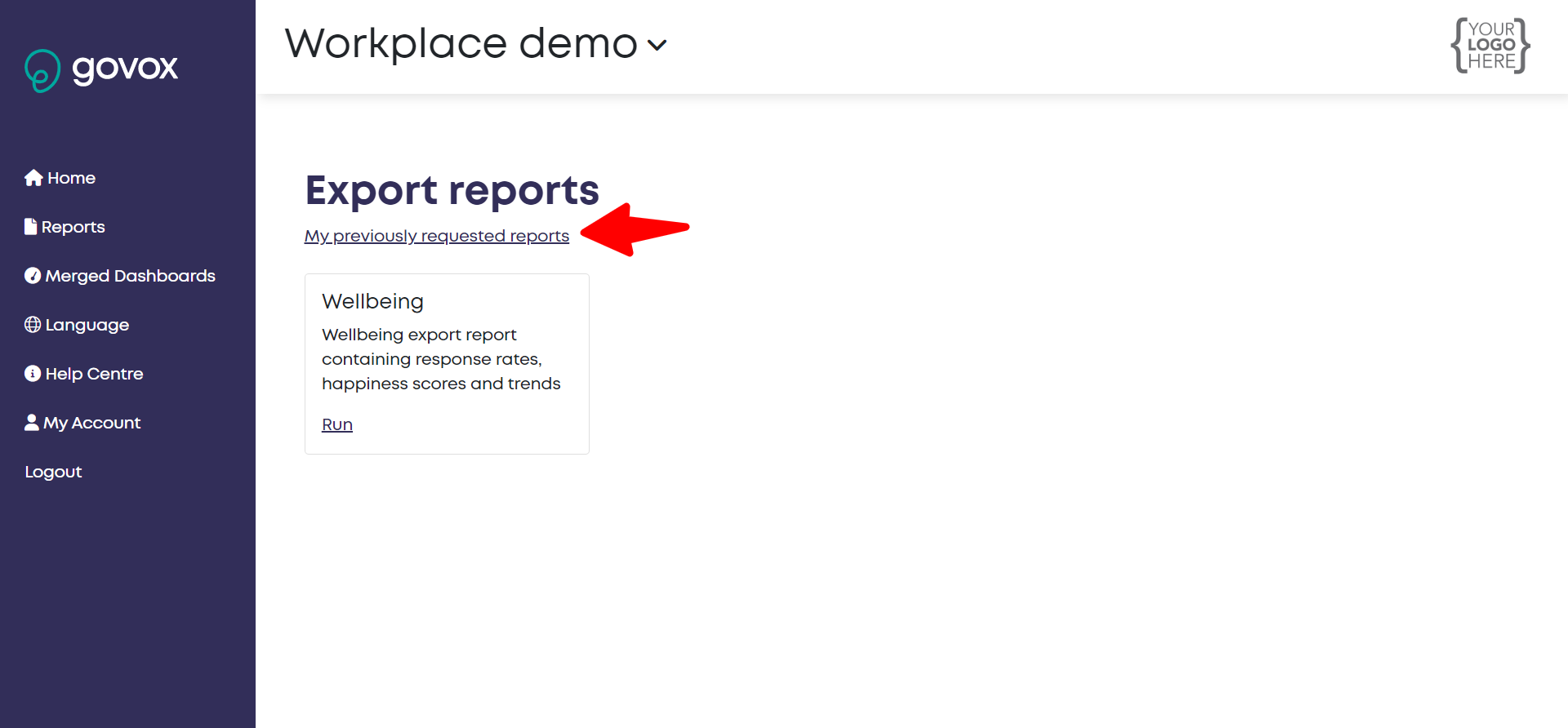
- Once logged on choose Reports menu from the left-hand side of the screen
- Choose the report you wish to run, you also have the ability to view previously generated reports by clicking on "My previously requested reports"
- Selecting your parameters
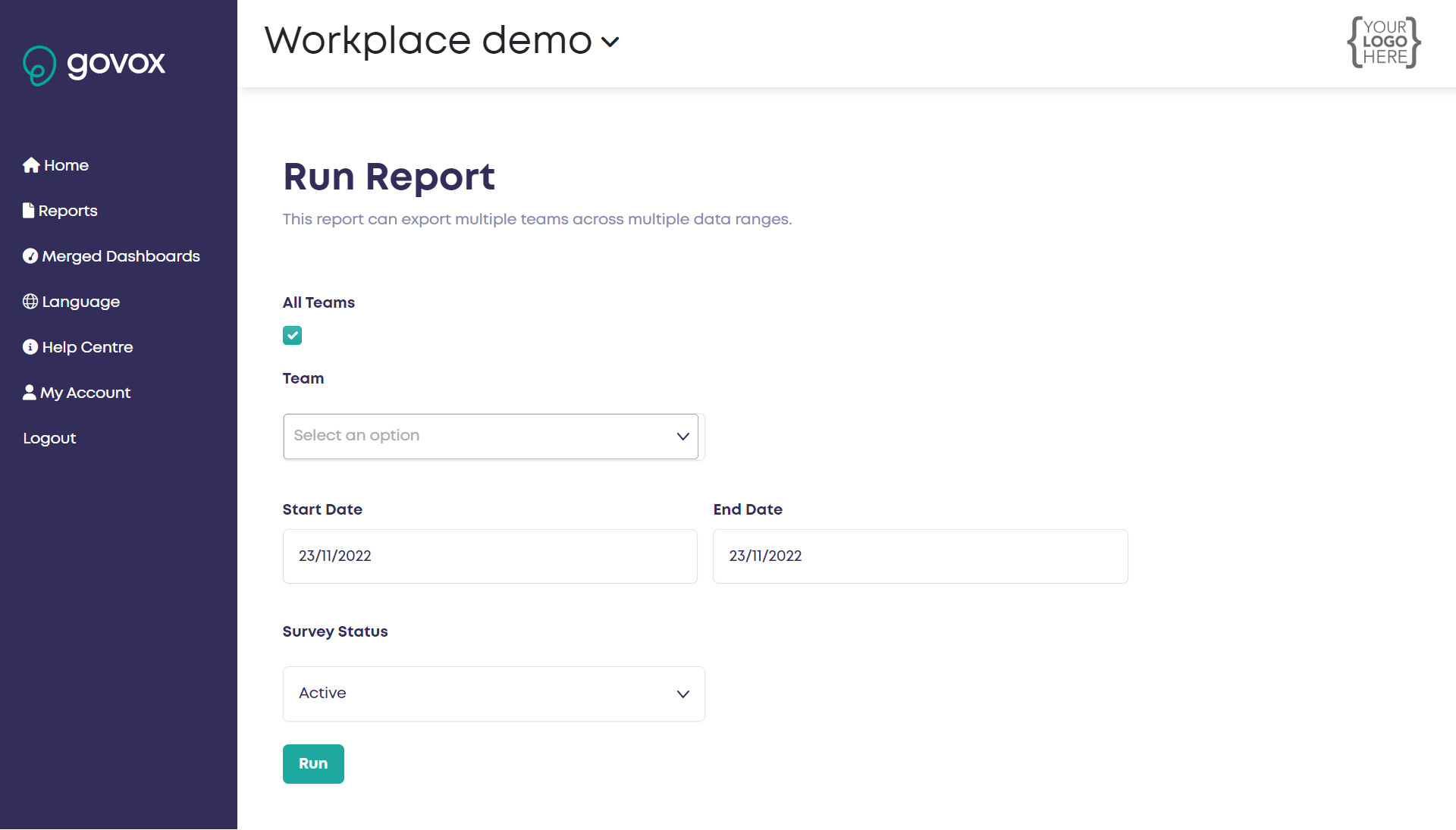
- All teams or specific teams. If you click All teams then you don't need to select from the specific teams dropdown.
- Start date & End date are the date ranges in which the check-ins were sent.
- Survey Status - Most of the time you will want to leave this as Active if you have future check-ins scheduled.
- After clicking Run, you will be redirected to the processing page.
Note: Reports usually take less than 5 minutes to generate (depending on the size of your report). The page will automatically refresh every minute to get the latest status of the report.
If you have any questions about your report or are having any issues please raise a ticket by clicking "Submit a request" at the top of this page.
|