|
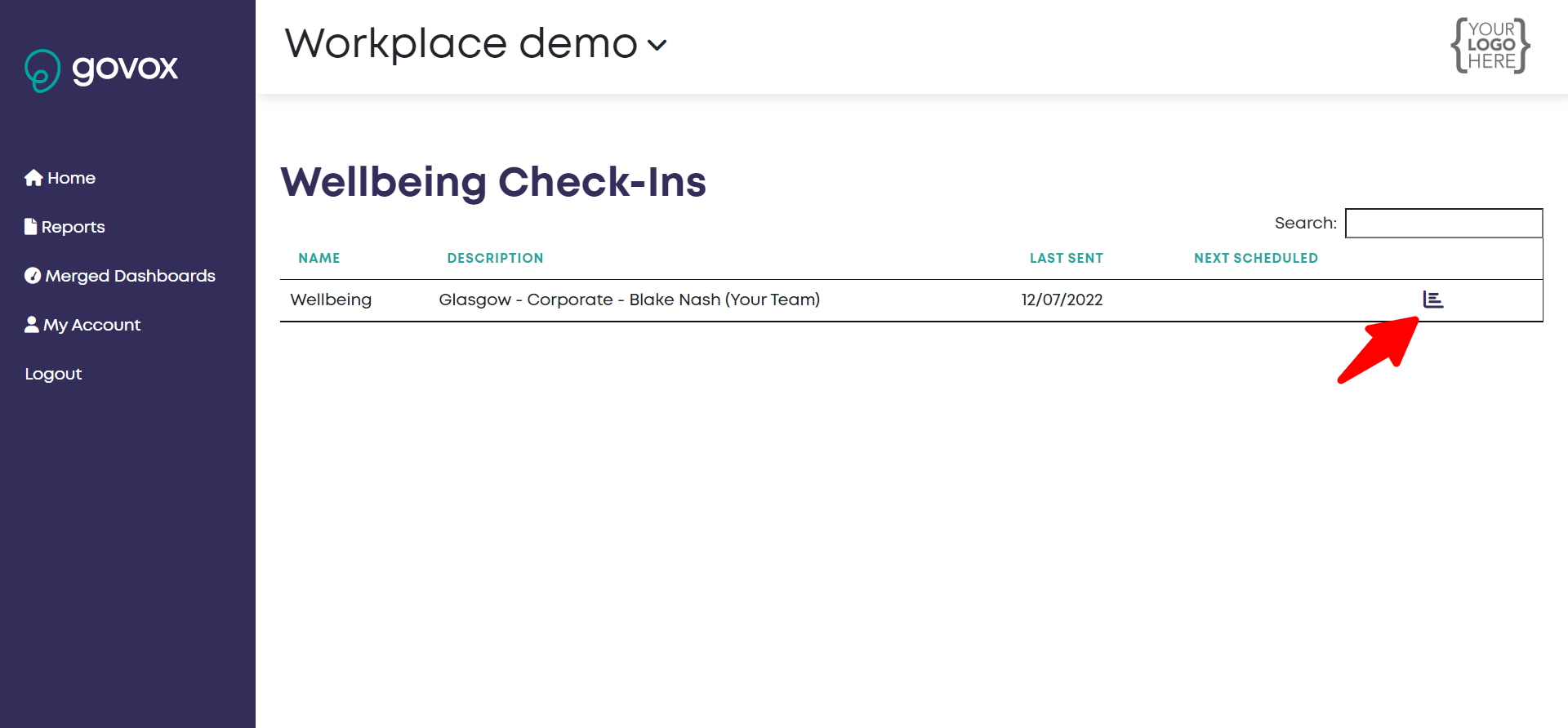
Once logged in, go to the dashboard for your team:
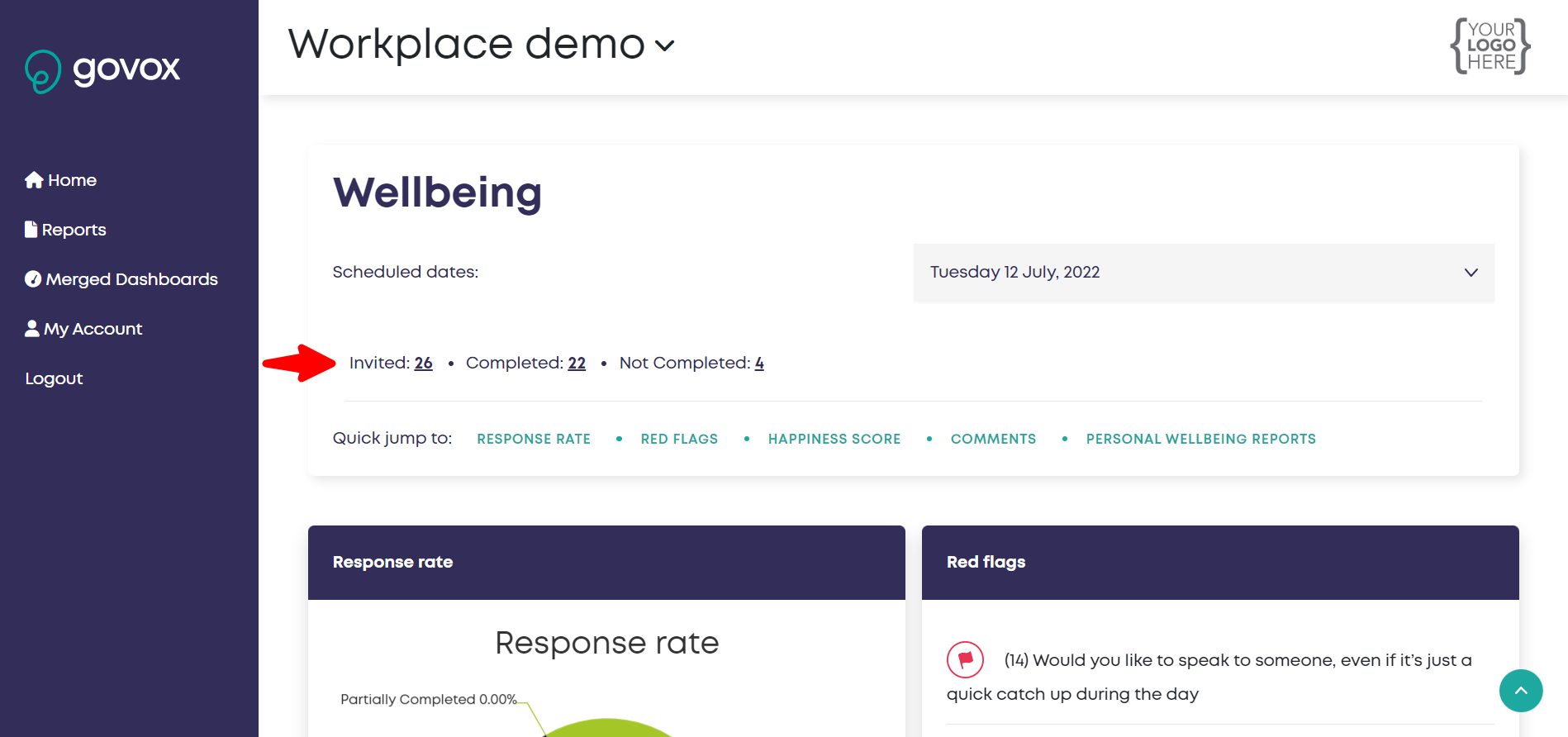
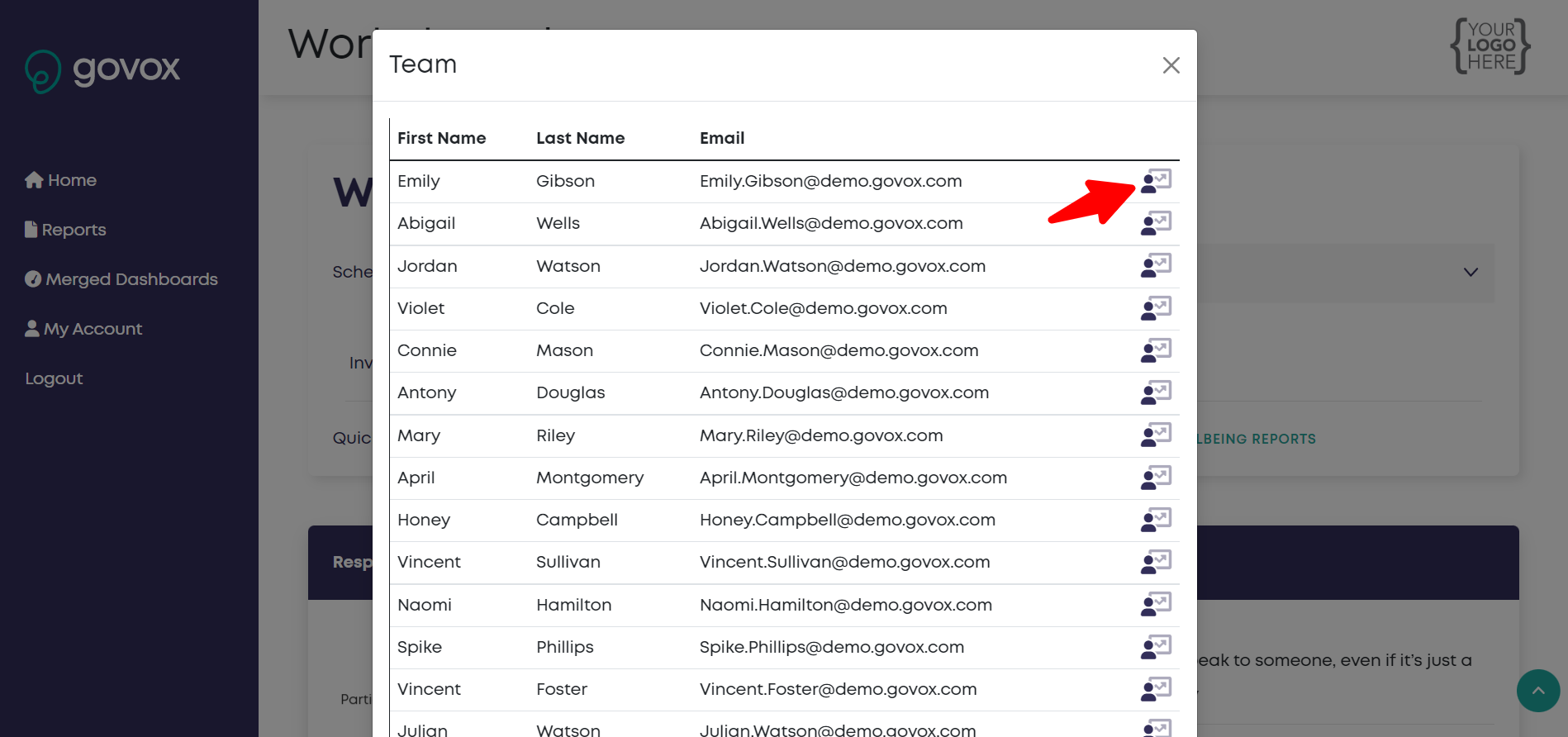
Once you are on your team dashboard, you can view an individual dashboard by finding a particular user via the invited/completed/not completed summary. You can also get to the individual user dashboard by clicking on the user via the red flags, happiness score or response rate. E.g. via invited summary:
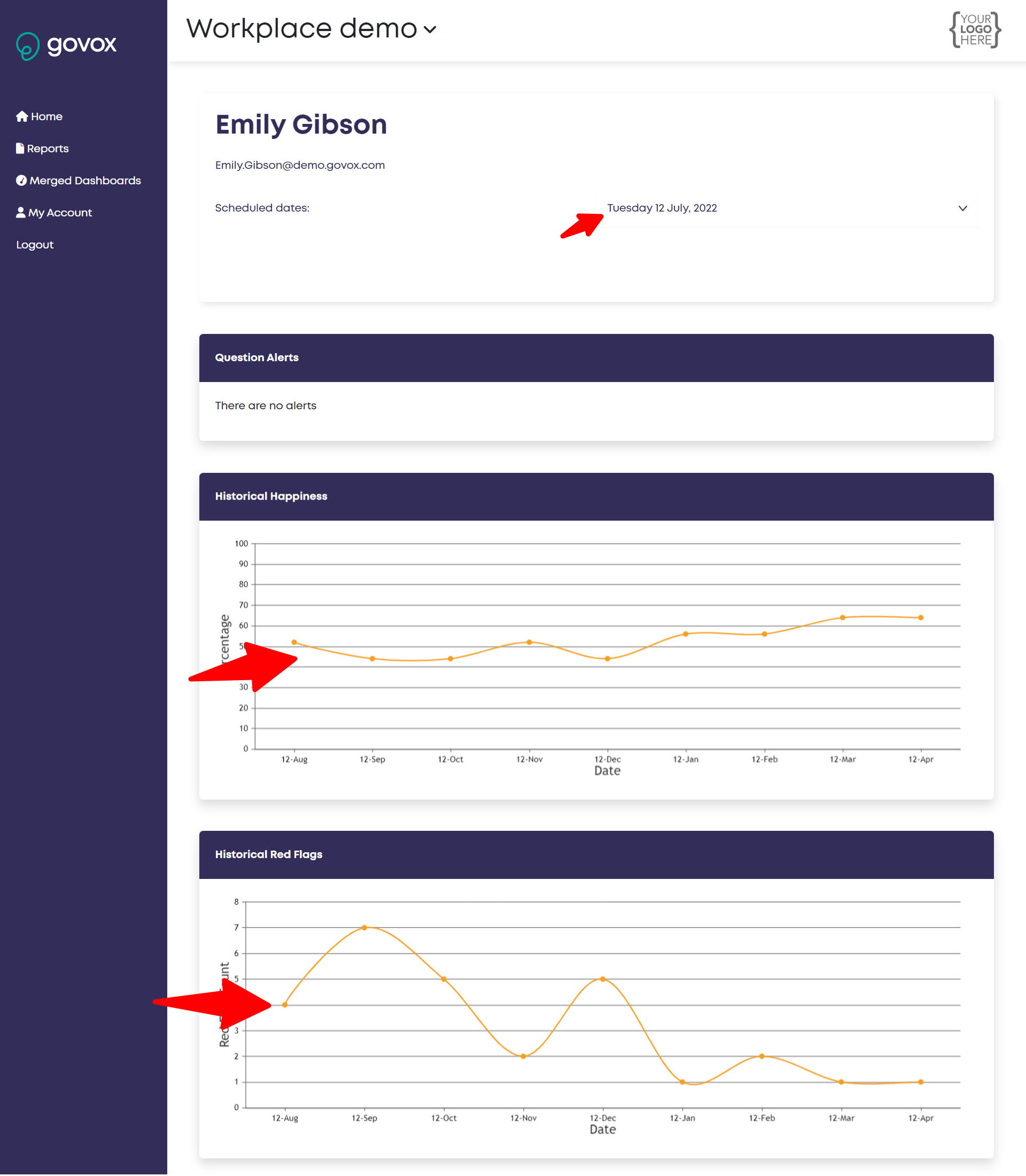
Once you have access the individual dashboard you can view the responses over time and also drill into answers against a particular date. Historical happiness & red flags There are also two line graphs, one showing that individuals happiness score and the other showing the number of red flags they triggered. If the individual has completed more than one check in these graphs easily allow you to track their happiness and red flags over time.
|