|
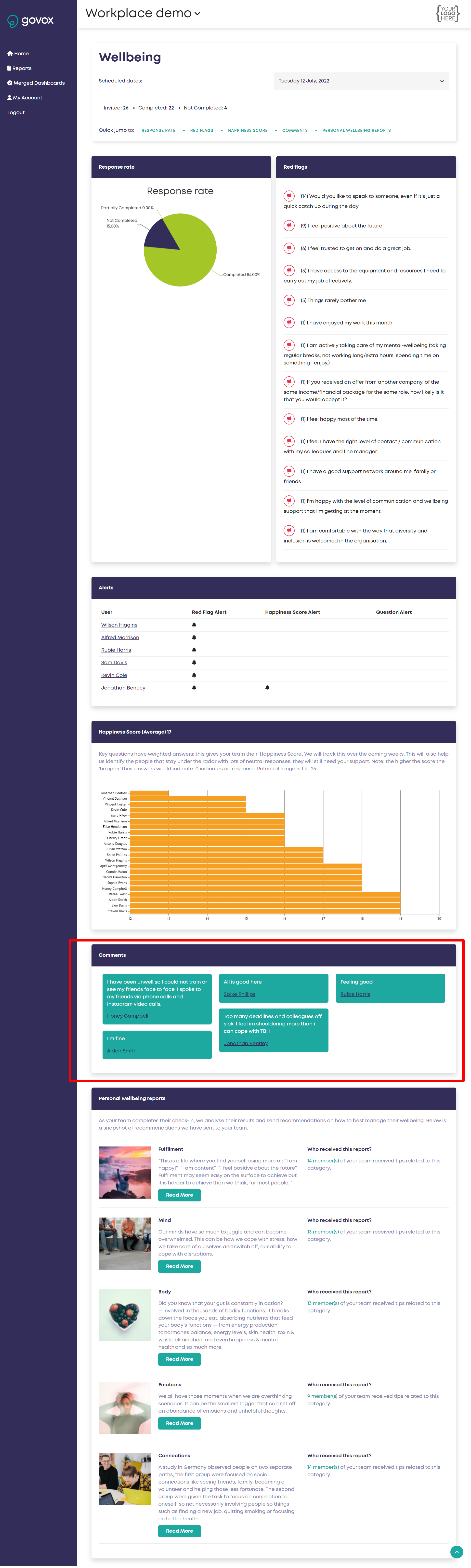
This applies to Report Users and Organisation Admins. How do I find out what role I have ? Your team are invited to leave a free text comment at each check in. These comments can be found on your wellbeing dashboard in green bubbles. (How do I access the wellbeing dashboard to view my team's responses?) A comment in a red bubble indicates that the comment includes a keyword from our bank of wellbeing watch words and indicates that individual may have a more urgent or greater need for an offer of support. NB: If you click the name under the comment you are automatically shown a dashboard specific to that team member (see individual user dashboard)
|