|
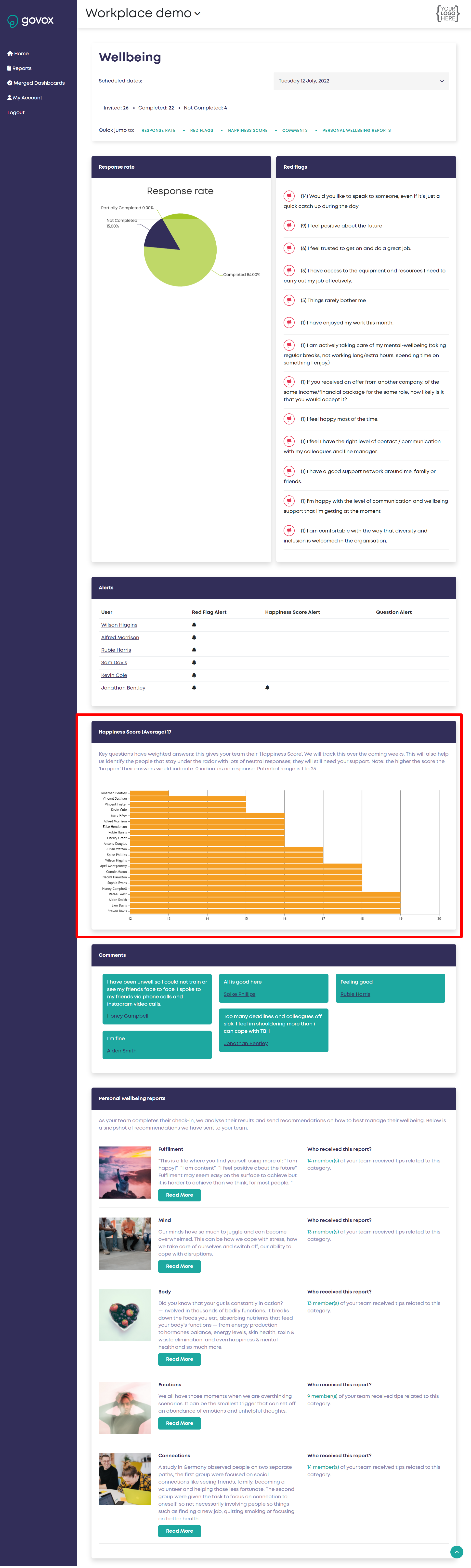
When someone completes a check in our system analyses their answers and gives each individual in your team their own ‘Happiness Score’. Your wellbeing dashboard shows these scores in a graph from least to most happy. How do I access the wellbeing dashboard to view my team's responses? Note: the lower the score the more unhappy their responses indicate they are. Click on the individuals bar and a new window opens to show you all their responses to that check in. NB: If a person does not appear on the happiness graph they didn't complete the check in. See screenshot below (halfway down)
|