|
This applies to Report Users & Organisation Admins. How do I find out what role I have ?
Your teams responses are shown on the wellbeing dashboard which updates immediately as someone completes their check in. You access it as follows:
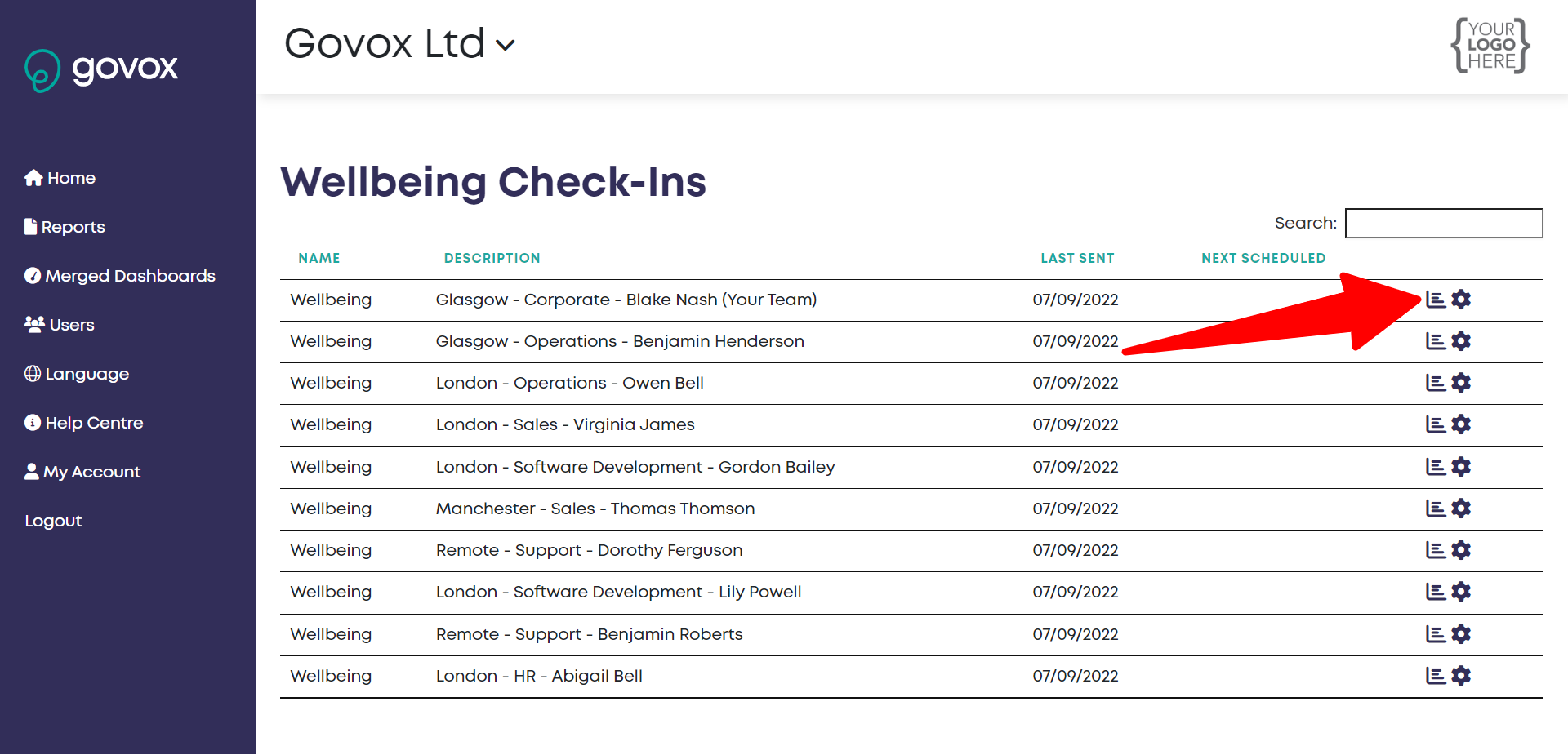
- Log into the platform, you will see a list of all the teams within your organisation that receive the wellbeing check in. If any teams are missing from the list then please contact support@govox.com
- Click on the graph icon (view responses) for the team you want to view and the wellbeing dashboard will open showing responses to the latest check in.
- If you want to review responses from previous check ins simply use the drop down menu to select the date required.
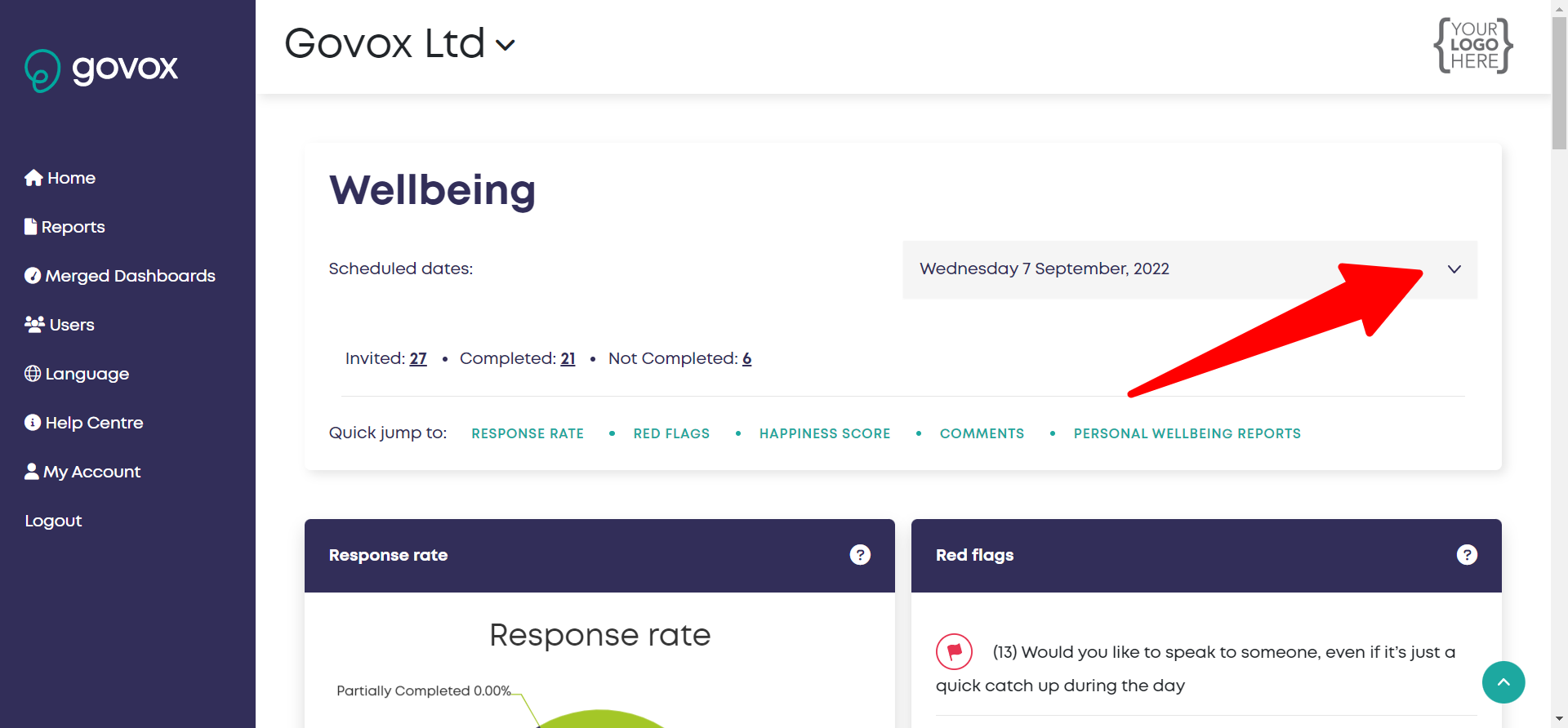
- If your dashboard is blank that indicates that no-one has checked in yet.
You can also drill into individual user dashboards. See Can I see the historical check in data for an individual team member all in one place?
|